Everything a crew runs on — in one place.
Log your hours in seconds, from wherever you are. No paper to chase.
Every job's photos, drawings, forms and docs in one place.
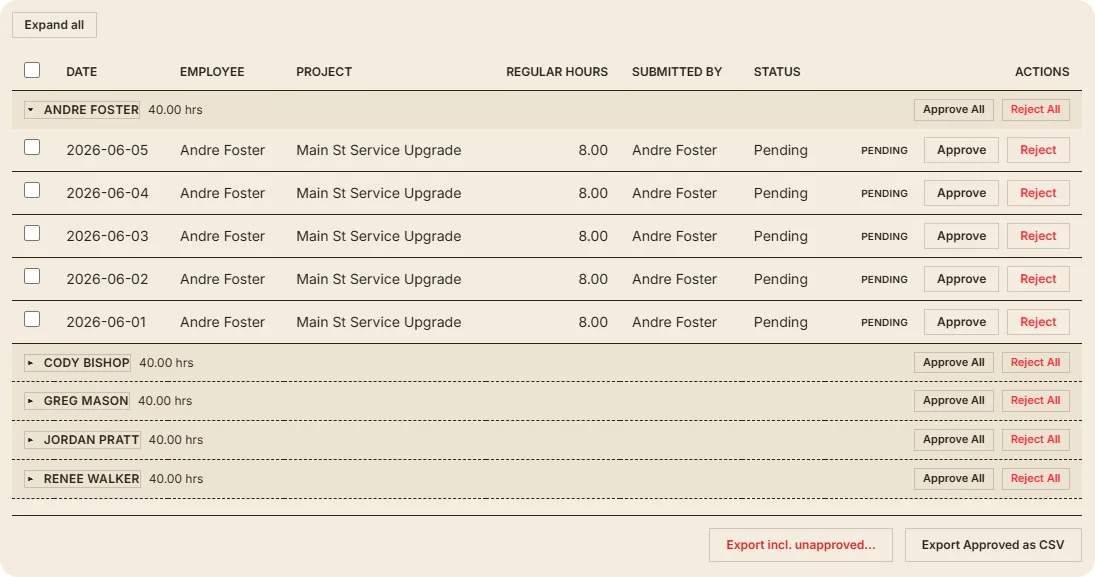
Hours next to every name. Approve, then export to your books.
Built from your own PDFs. Safety, reports, inspections.
Redline sheets, track versions, measure on screen.
Bulk upload from the field. Organized by project.
Submittals, cut sheets, paperwork — project or company-wide.
Schedule by project. It doesn't reset on you.
Crew and phases on a timeline. Drag a bar to reschedule.
Requests, approvals, stat holidays. The schedule knows.
A list per project. Assign it, schedule it, check it off.
Ask in plain words. Over 100 tools to actually do it.
The whole week, in under a minute.
Your crew logs their own hours — the days they actually worked, the phases and cost codes that matter. You see the week at a glance, approve it, and it’s ready for payroll. No paper to chase down, no Friday-night math.
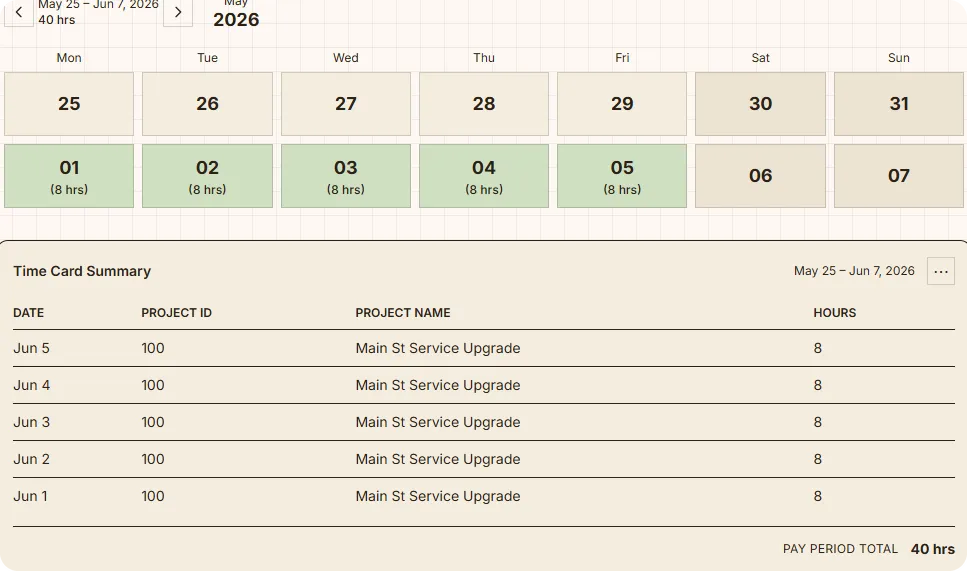
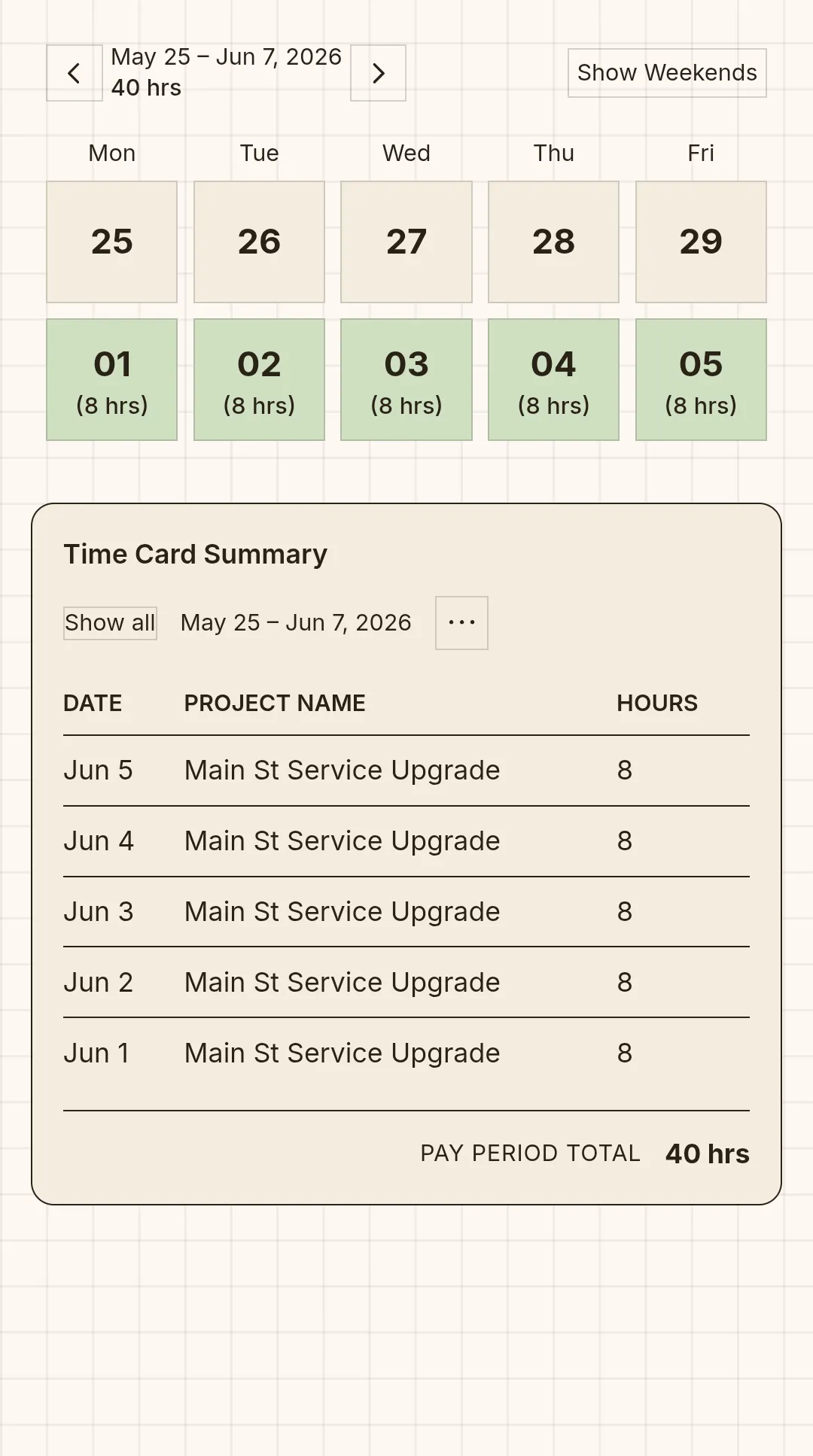
Approve the week. Export to your books.
Every crew member’s hours land next to their name, grouped and totaled by pay period. Review what they submitted, approve it, and export a clean CSV straight to your accountant or payroll software — no re-keying, no Friday-night math.
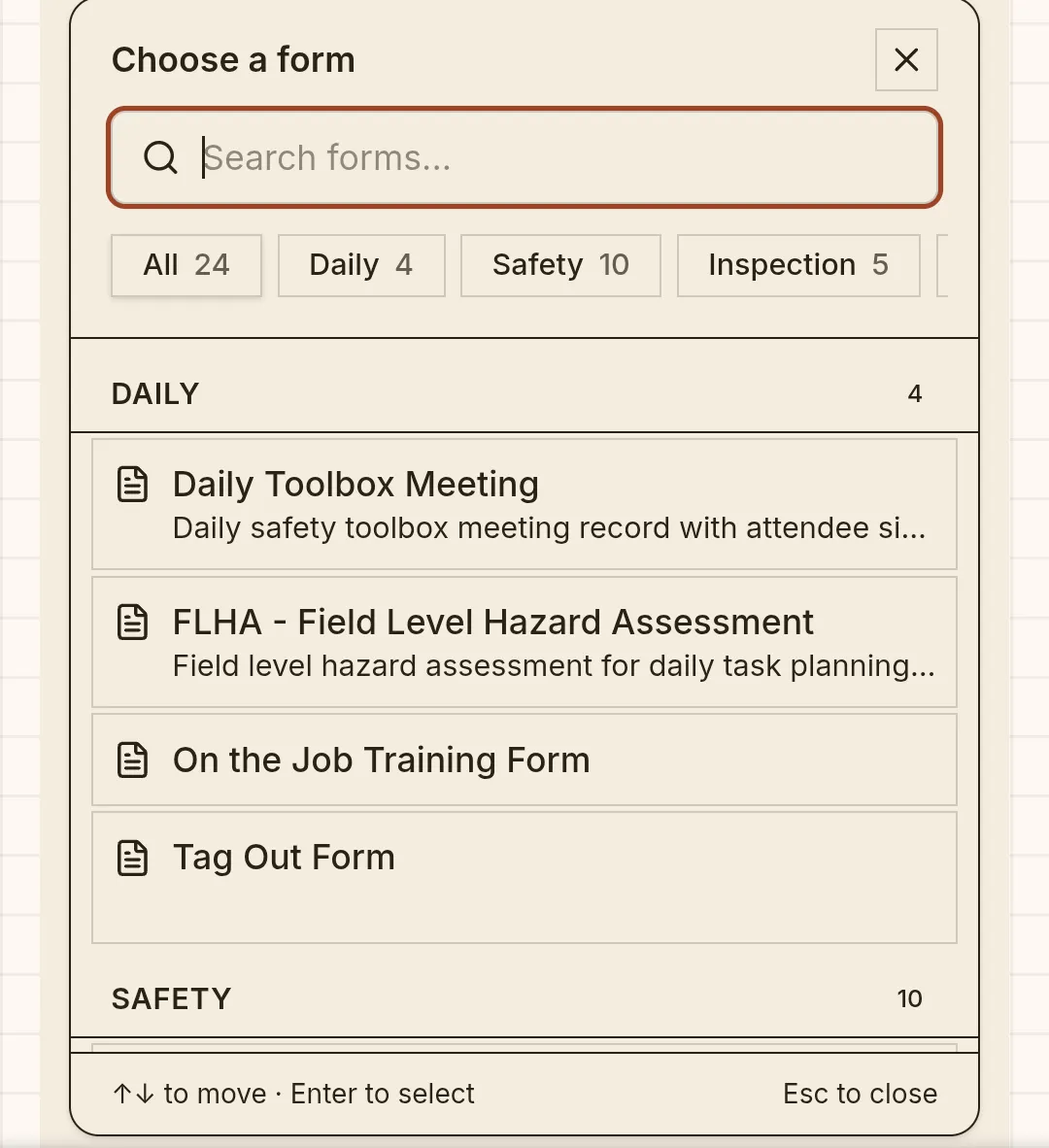
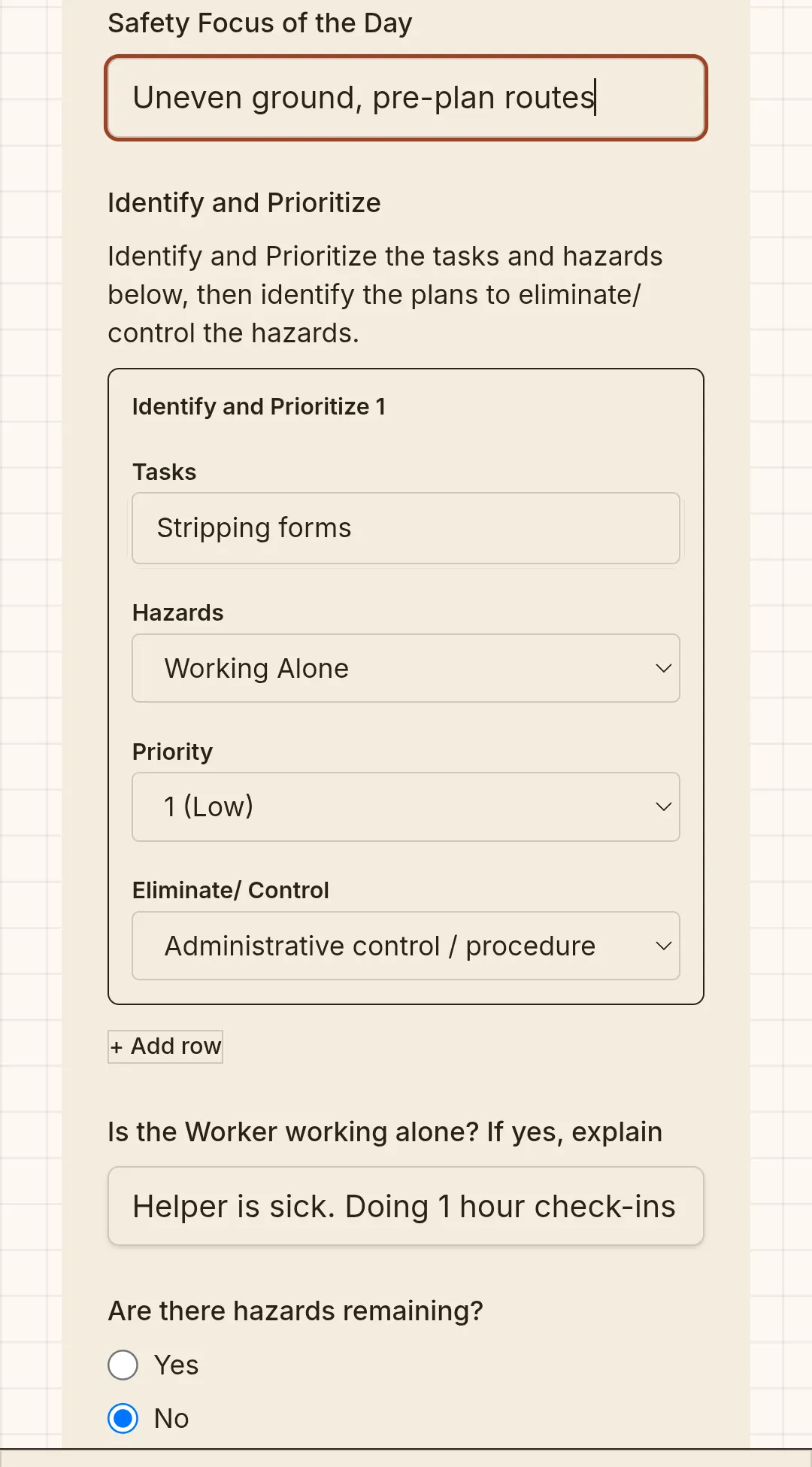
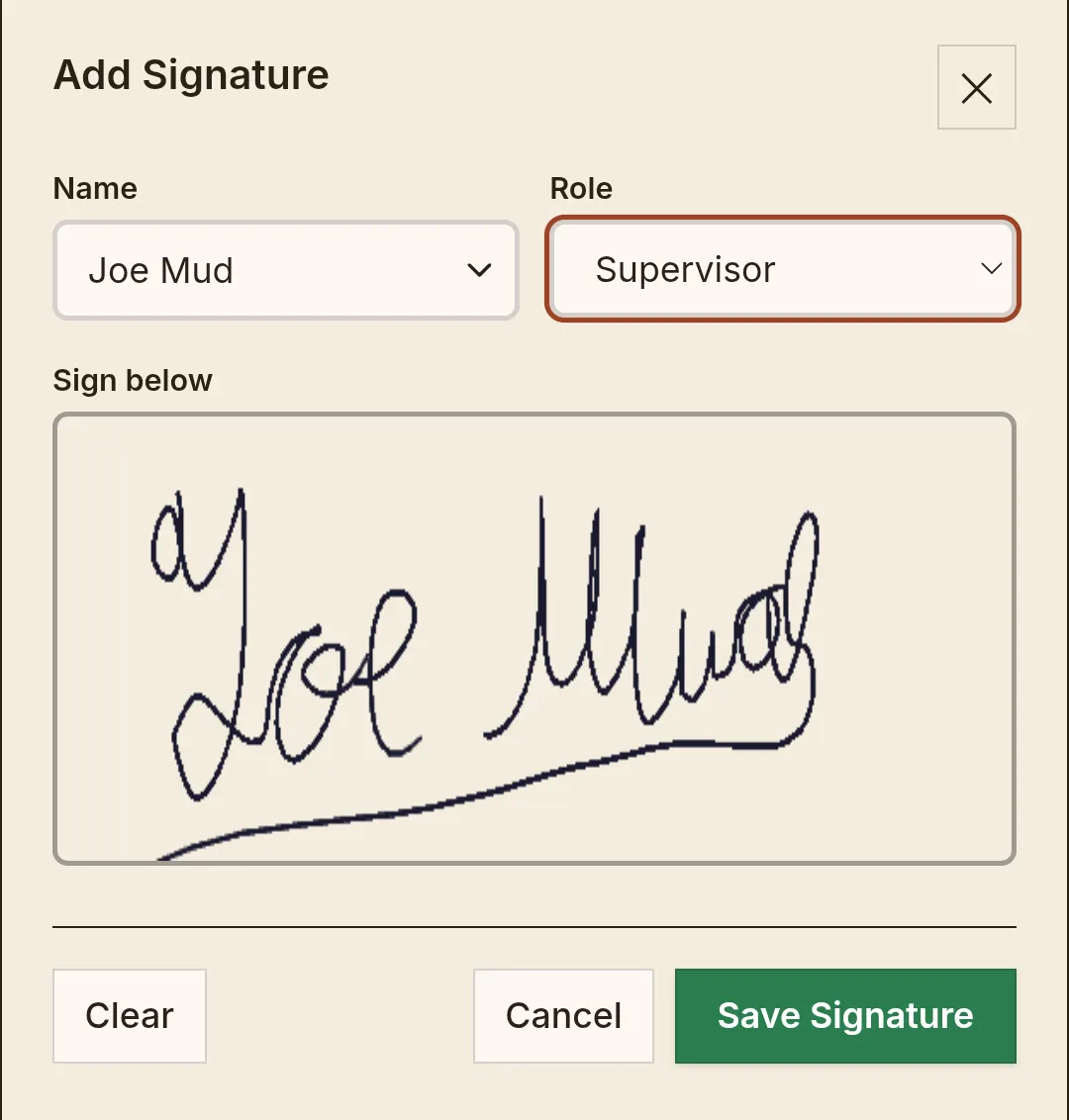
Drop in a PDF. Get a digital form.
Snap a photo or upload a PDF of a form you already use — a safety checklist, a daily report, an inspection sheet. It becomes a fillable digital form, signatures and all. No rebuilding from scratch, no IT project.
The latest set, in your pocket.
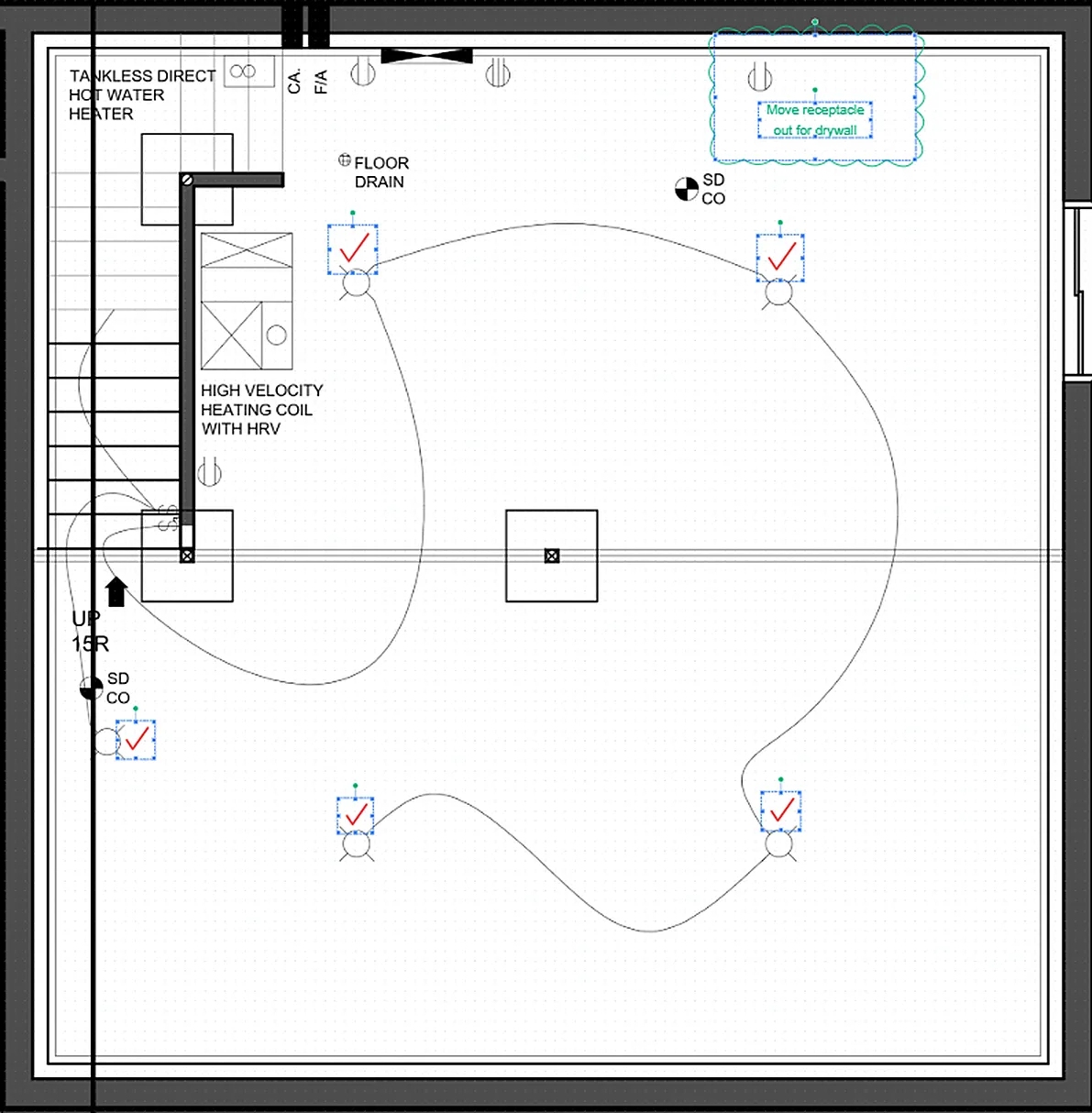
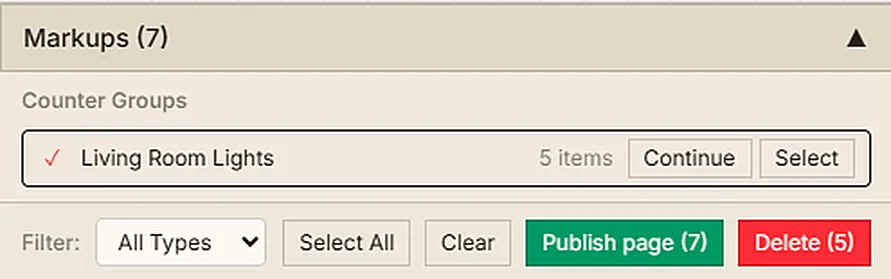
Open any sheet, pan and zoom, and redline it right there — clouds, callouts, areas, measurements, versions. Set the scale once and measure on screen. Stamp real trade symbols from built-in libraries, count them by group, and drop a legend right on the sheet. Then export the whole thing to PDF, markups, counts, and legend included. No more digging through email for the current drawing, no more “which revision is this?”
Who’s where next week — on one timeline.
Lay out every project’s phases on a Gantt-style timeline and put names on them. Drag a bar to reschedule, reorder phases as the job changes, and see the whole crew’s week at a glance. Time off shows up right on the schedule — approved vacation greys people out, so you never book a guy who’s at the lake.
Ask for it in plain words. Watch it get done.
Talk to the assistant right in the app — type it, say it, or snap a photo from the field. It can fill out a form, draft a timecard, schedule a task, find that photo from six months ago, even count symbols on a sheet and rough out a takeoff. And it’s not a walled garden: the app speaks MCP, so you can plug Claude or any AI agent you already use into your company’s data — over 100 tools, all scoped to what your role is allowed to touch.
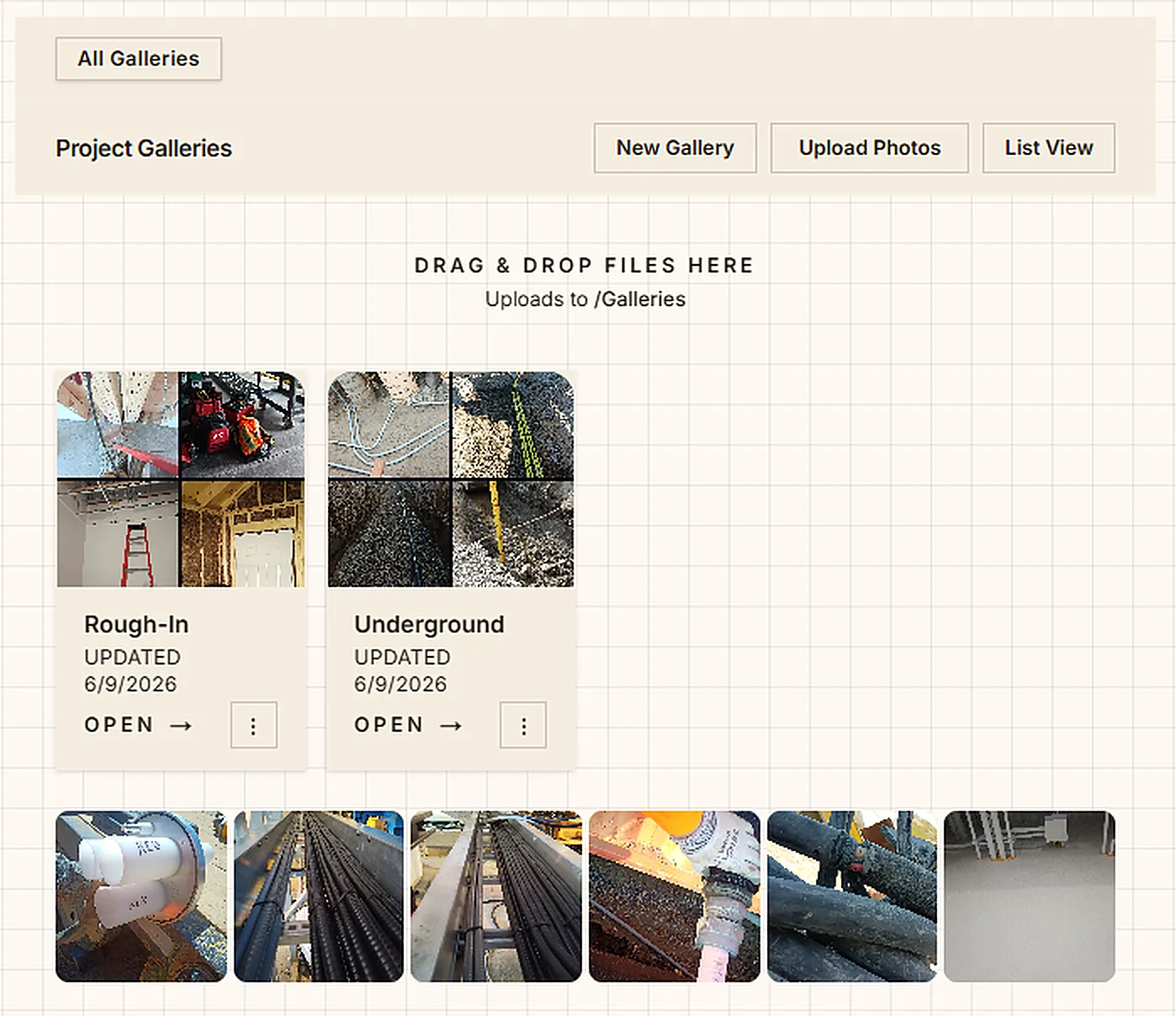
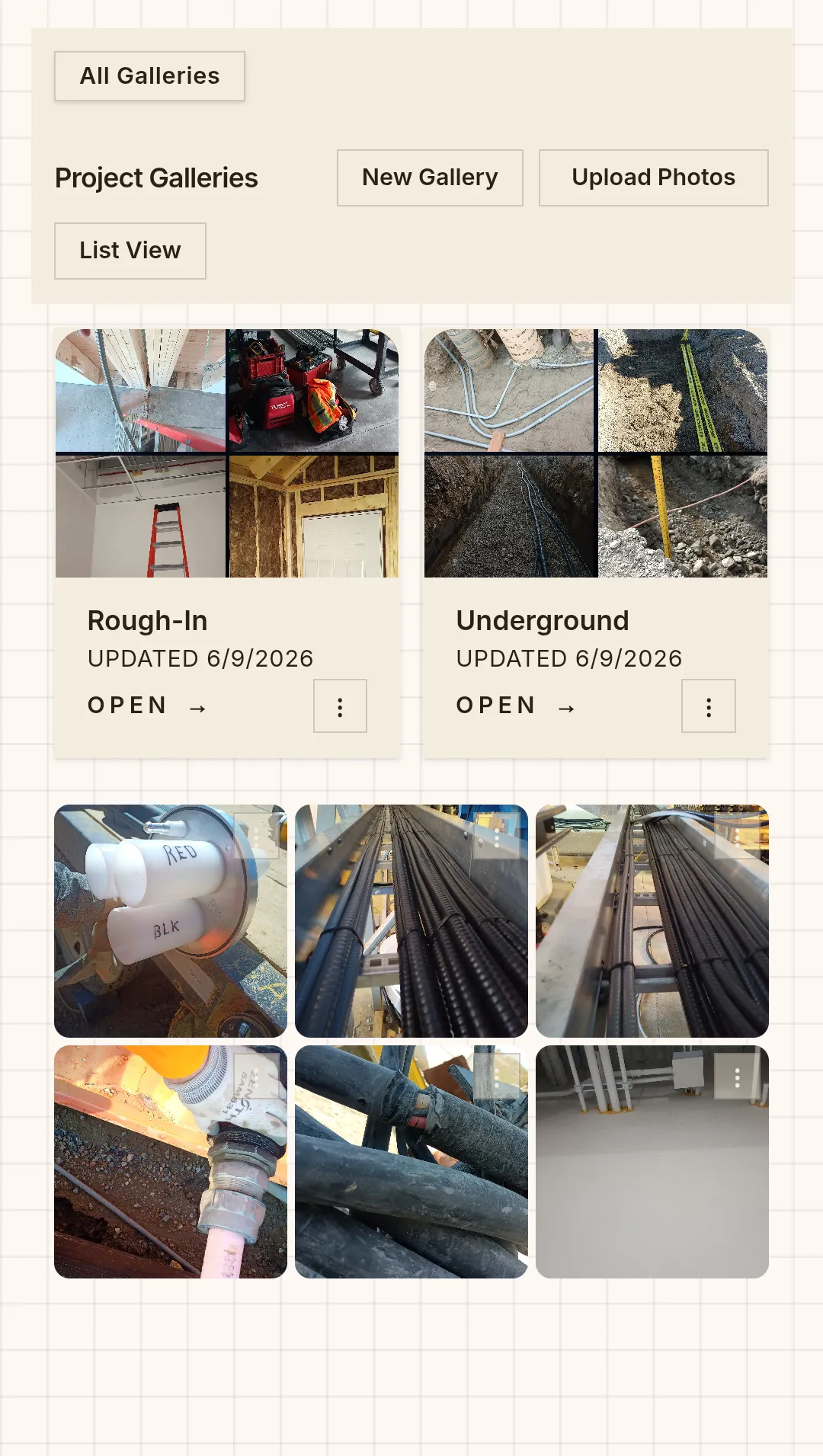
Every wall cavity, before the drywall goes up.
Your crew shoots the rough-in, the underground, the one weird splice they’ll need to find again in six months — and it lands in a shared gallery by project. No more texting “you got a pic of that?” No more 7,000 photos buried on one guy’s phone.